
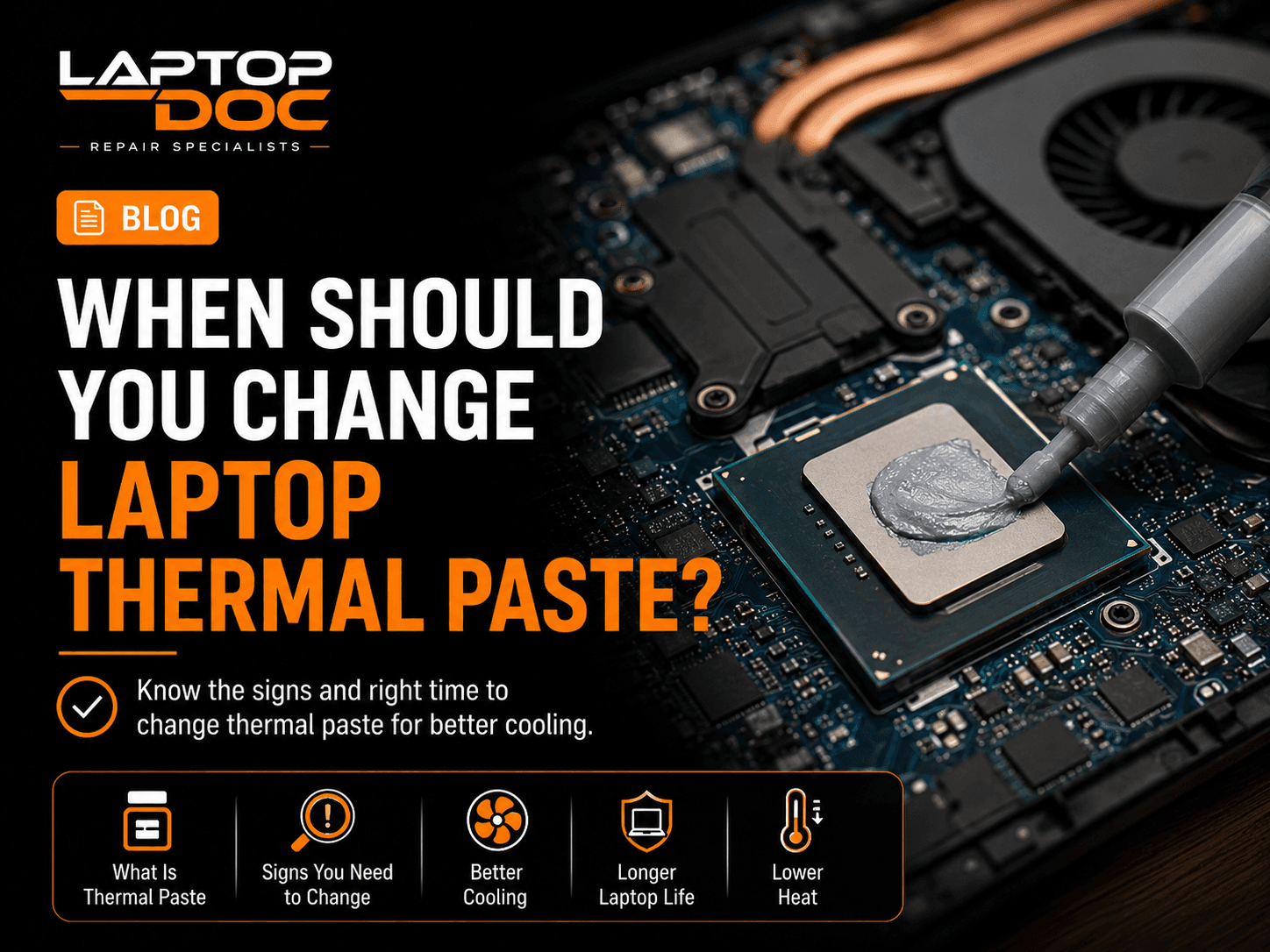
Thermal paste helps transfer heat from the processor or graphics chip to the cooling system. Over time, cooling performance may change because of dust, blocked airflow, fan problems or ageing thermal material.
What Does Thermal Paste Do?
Thermal paste fills microscopic gaps between the processor surface and the heat sink.
This helps heat move into the cooling system more efficiently.
Signs Your Laptop May Need Cooling Service
High temperatures alone do not automatically mean thermal paste must be replaced, but certain symptoms justify inspection.
- Unusual overheating
- Constant loud fan noise
- Performance drops during heavy work
- Sudden shutdowns under load
Do Not Change Thermal Paste Without Diagnosis
Overheating can also be caused by blocked vents, failed fans, incorrect fan operation or software workloads.
The cooling system should be inspected before assuming thermal paste is the only problem.
Related LaptopDoc Services
Explore services related to this guide.