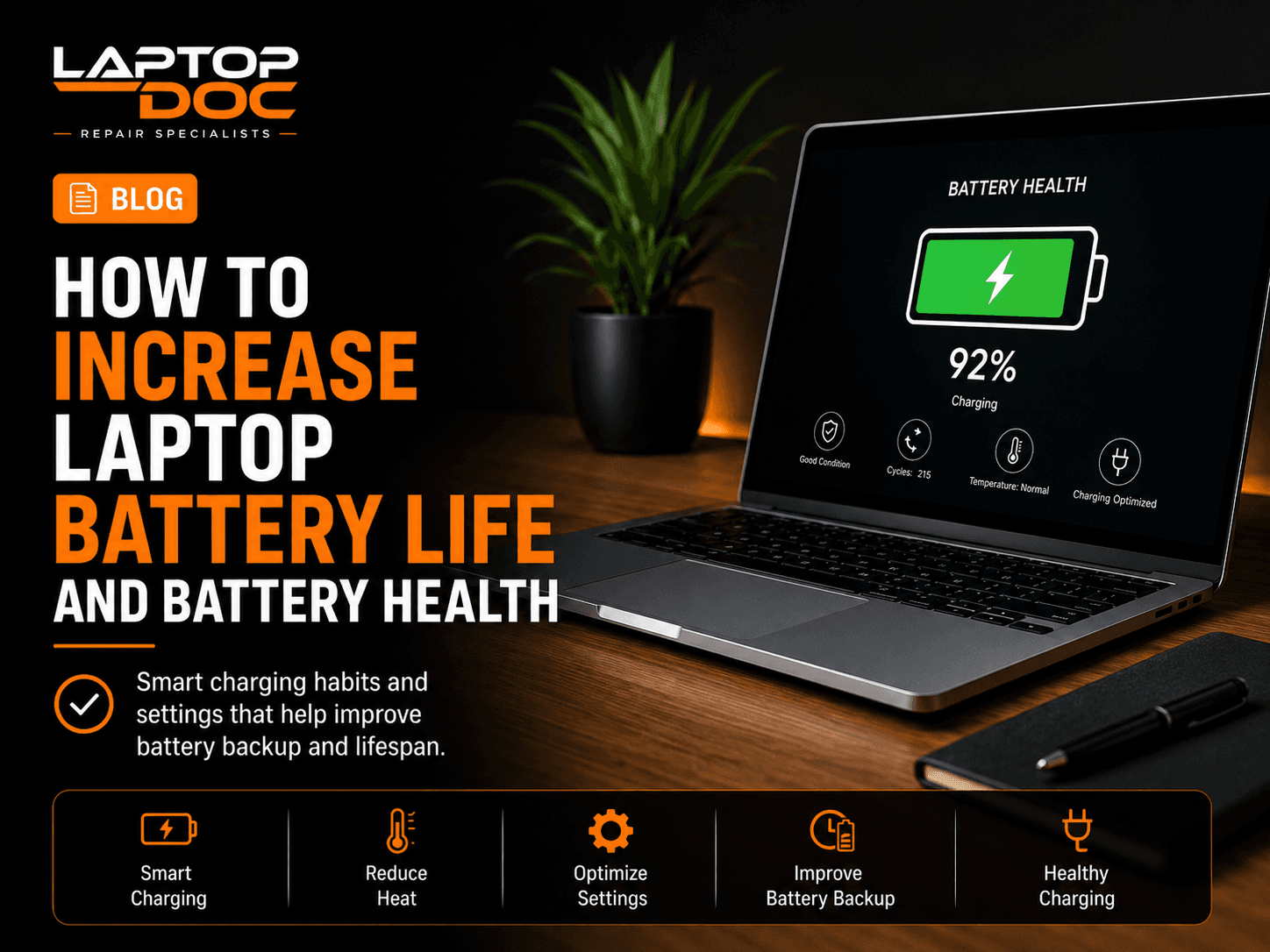
Laptop battery performance naturally changes over time, but heat, charging habits, background applications and power settings can affect how quickly a battery loses capacity.
1. Reduce Excessive Heat
Heat is one of the biggest enemies of battery health. A laptop that regularly runs very hot can place additional stress on the battery.
Keep cooling vents clear and avoid using the laptop on soft surfaces.
2. Use Suitable Charging Equipment
Use a charger with the correct power specifications for your laptop.
A damaged cable, loose charging pin or unsuitable adapter can cause charging problems.
3. Optimize Power Settings
Lowering screen brightness and using balanced power settings can improve battery backup.
Background apps can also consume battery even when they are not actively being used.
- Reduce unnecessary screen brightness
- Close unused background apps
- Use battery saver when needed
4. Avoid Constant Heavy Workloads on Battery
Gaming, video rendering and other intensive tasks can consume power quickly and generate heat.
For demanding workloads, use appropriate power and cooling conditions.
5. Watch for Battery Warning Signs
Rapid battery drain, unexpected shutdowns, failure to charge and physical swelling can indicate battery problems.
A swollen battery should not be ignored because it can place pressure on the laptop body and internal components.
Related LaptopDoc Services
Explore services related to this guide.